
In this guide
How should I approve a change to an existing 1688 order?
Record the proposal against the last approved order version. Identify the affected SKUs and check quantities, price, components, packing, timing and payment separately. Obtain the named buyer's decision and the supplier's confirmation of the same revision. Update the files used for purchasing, checks and dispatch before releasing the affected goods. Keep unanswered proposals pending.
Identify the order version you have already approved
Start with the order reference, supplier and last approved specification or order confirmation. Include its revision, date and approval record. Name the buyer contact who can authorise a change, the person managing the supplier order and anyone authorised to pay. This gives a proposed replacement a specific starting point. A payment instruction alone should not be treated as permission to choose another product or approve dispatch.
Give each proposed change a reference and a pending state
Record who requested the change and why, with the supplier's message or other supporting evidence. Identify the affected SKU, variant and quantity. Describe the proposed replacement beside the approved requirement. Use a change reference such as CH-01 and keep its status pending until a decision is recorded. Ask the supplier to hold the affected work while you review it, and obtain confirmation of what has actually been paused. Record the reply deadline and who follows up if the supplier cannot hold the goods.
- Keep requests to substitute, wait, reduce or cancel as distinct options for the buyer to review.
- Identify whether the change affects goods still to be purchased, production, received stock or packed cartons.
- Record any work or payment already completed so the decision reflects the current order position.
Ask for the effect on each part of the order
An unchanged total quantity can still mean a different order. Ask for a written comparison before approving the proposal. Mark unanswered fields as unresolved and name who will obtain the reply. Keep any requested charge or credit separate from money already paid. If the payee or payment instruction changes, verify it through a supplier contact route you already know before authorising funds.
- Quantities and variants: revised units for each SKU, colour or size, with the total recalculated.
- Price: the revised unit prices, goods total and separate change charges or credits, with currency stated.
- Components: included parts, materials and sample or specification references affected by the replacement.
- Packing: retail packs, artwork, labels, units per carton and any work needed to alter existing packs.
- Timing: the supplier's revised readiness or dispatch date and the event from which the quoted lead time runs.
- Payment: the revised amount due, payment trigger and treatment of any unused funds or proposed refund.

Connect a proposed change to the goods
Identify the SKU, variant and packing affected by a substitution. Keep the proposed version beside the approved record until the buyer has decided.
Use a change log that keeps the proposal separate from approval
This invented example starts with order UK-EX01, revision R1: 80 blue units and 40 grey units. The supplier proposes replacing 20 blue units with grey units under CH-01. The requested mix is 60 blue plus 60 grey, still 120 units. Neither the unchanged total nor the supplier's proposal establishes buyer approval. The table records a pending request. R1 remains the approved reference, while the affected lines need a confirmed hold and a decision before further work or dispatch.
Scroll sideways if needed. Keyboard: focus the table area and use the left and right arrow keys.
| Field | Approved R1 | Requested change CH-01 | Buyer decision | Current state |
|---|---|---|---|---|
| Blue variant | 80 units | 60 units | Pending | R1 reference retained; affected work awaiting hold confirmation and decision |
| Grey variant | 40 units | 60 units | Pending | Extra 20 grey units have no approval to proceed |
| Total quantity | 80 + 40 = 120 units | 60 + 60 = 120 units | Pending | Total reconciles; variant change remains unapproved |
| Price and amount due | Use the recorded R1 amounts | Supplier to confirm revised prices, charges and balance | Pending | Payment impact unresolved; no revised payment authority recorded |
| Components and packing | Use the R1 specification and packing references | Supplier to confirm any differences and affected labels or cartons | Pending | Replacement details need review |
| Timing and execution file | Use the recorded R1 dates and file references | Supplier to confirm timing and proposed R2 | Pending | R2 has not been issued for execution |
Record the buyer's decision and the supplier's confirmation
The named buyer should approve, reject or request clarification against the change reference and proposed revision. State the exact quantities and conditions covered by that decision. Then obtain the supplier's confirmation that it can carry out those same details. If its reply changes the price, replacement or timing again, return the new proposal for buyer review. Keep the affected work pending until the differences are resolved. A missed reply deadline or an unanswered chat message leaves the request unresolved.
- Save the buyer's name, decision date and the revision or attachment approved.
- Save the supplier's acknowledgement and identify any conditions it has yet to confirm.
- Record a rejected proposal and the agreed next action, including whether the original order remains available.
Issue the revised files to the people doing the work
Issue the agreed revision with its approval and supplier confirmation. Mark the earlier version superseded and retain it in the history. Update affected purchasing instructions, specifications, checking briefs and packing, invoice or payment records. Ask which earlier check findings still apply. QIMA describes checks covering product details, quantities, packaging and carton measurements, with findings and photos recorded in an inspection report. It also describes re-inspection after corrective work. These examples explain why a changed product or pack can need new evidence; agree the affected checks for your order.

Confirm which records are current
A changed item or pack can affect checking, carton contents and the freight brief. Obtain acknowledgement of the current version before releasing the affected stock.
Close the change against the final dispatch instruction
Obtain acknowledgement from purchasing, the supplier, the checking and warehouse teams, and the freight coordinator of the relevant current revision. Record what changed in the goods and retain any check results or packing evidence required for closure. Ask the buyer to identify the exact quantities and cartons authorised for dispatch, with unresolved stock kept visible. If another change is proposed after checking or release approval, reopen the affected decisions and review the records again. Agree cancellation, returns, refunds and any extra work against the actual order terms; the worksheet creates no entitlement to a free remedy.
Add the proposed change to your purchasing brief
Send the last approved order, the supplier's proposed change and the work already completed. Identify the buyer who can decide so we can discuss the supplier coordination and purchasing support you need.
Questions before you order
Can a supplier replace an unavailable colour if the total quantity stays the same?
Send the proposed colour quantities back to the named buyer for approval. Recalculate the total and confirm any effect on price, components, packing or timing. Record the supplier's confirmation of the accepted revision before the affected work proceeds.
What if I approve a substitution but the supplier changes its offer again?
Record the difference as a further proposal and ask for a new decision on the affected details. Keep the earlier approval with its version so it cannot be applied to a different price, product or dispatch date.
Do goods need another inspection after an order change?
Review which checks the change affects. Replaced components, a new variant or repacking may require further checks and revised evidence. Agree the scope with the checking team. An earlier inspection covers the work and goods described in its report; it cannot establish that every later change or the whole batch complies with product requirements.
Can I cancel the changed part and receive all my money back?
Ask the supplier or order operator to confirm the available options, the work already completed and any charges. Record the agreed cancellation or refund amount, currency, destination and fees. The outcome depends on the actual order terms and circumstances; this guide promises no cancellation or refund entitlement.
Related visual references
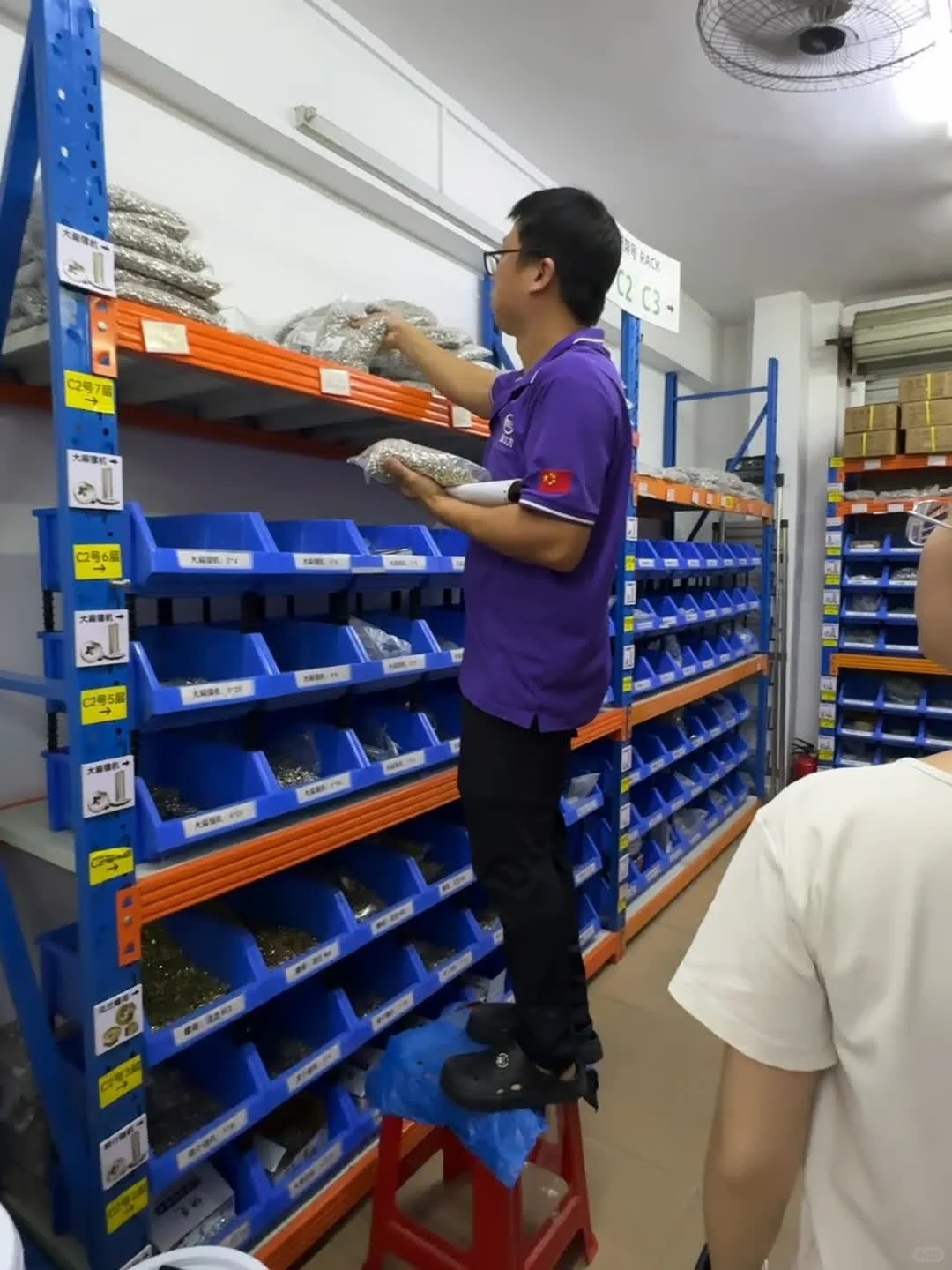
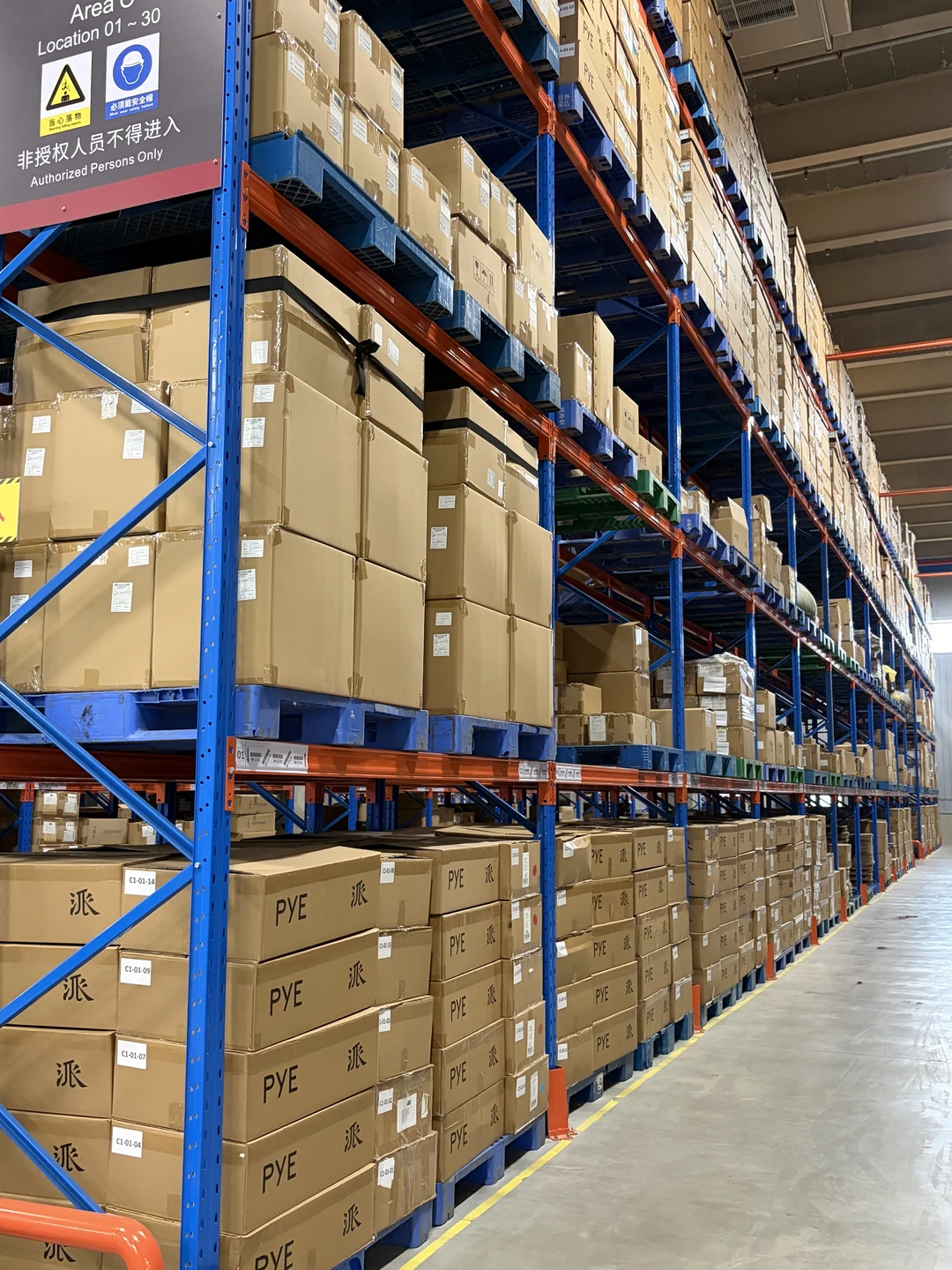
Look more closely at the storage, handling and transport settings that inform an order plan. Each photograph links to its original source.


Sources & further guidance
- QIMA: Pre-shipment inspection scope, reports and checks after corrective work
- 1688 Overseas UK: Sourcing and purchasing scope and buyer approvals
- 1688 Overseas UK: Product specification and revision planning
- 1688 Overseas UK: Supplier payment terms and order changes
- 1688 Overseas UK: Inspected-stock reconciliation and dispatch records
The approval workflow and worked example are our original planning suggestions. QIMA is cited for inspection scope, reports and re-inspection after corrective work. Our linked guides describe the service scope and preparation steps. Agree the actual work, decision authority and commercial terms for your order; the worksheet does not establish product compliance or a right to cancel or receive a refund.
Product acceptance, inspection scope, charges and delivery arrangements need to be agreed for your order.