Can I turn 1688 supplier pictures and QC photos into my product listing?
First identify what each image shows, whether it matches the variant you will sell and whether you have permission for the intended use. QC photos document agreed checks; a sales photo brief has a different purpose. Plan views around the buyer's questions and verified product details, then review the final images and copy against the actual stock before publication.

Keep product identification and the purpose of each photograph in the same brief.
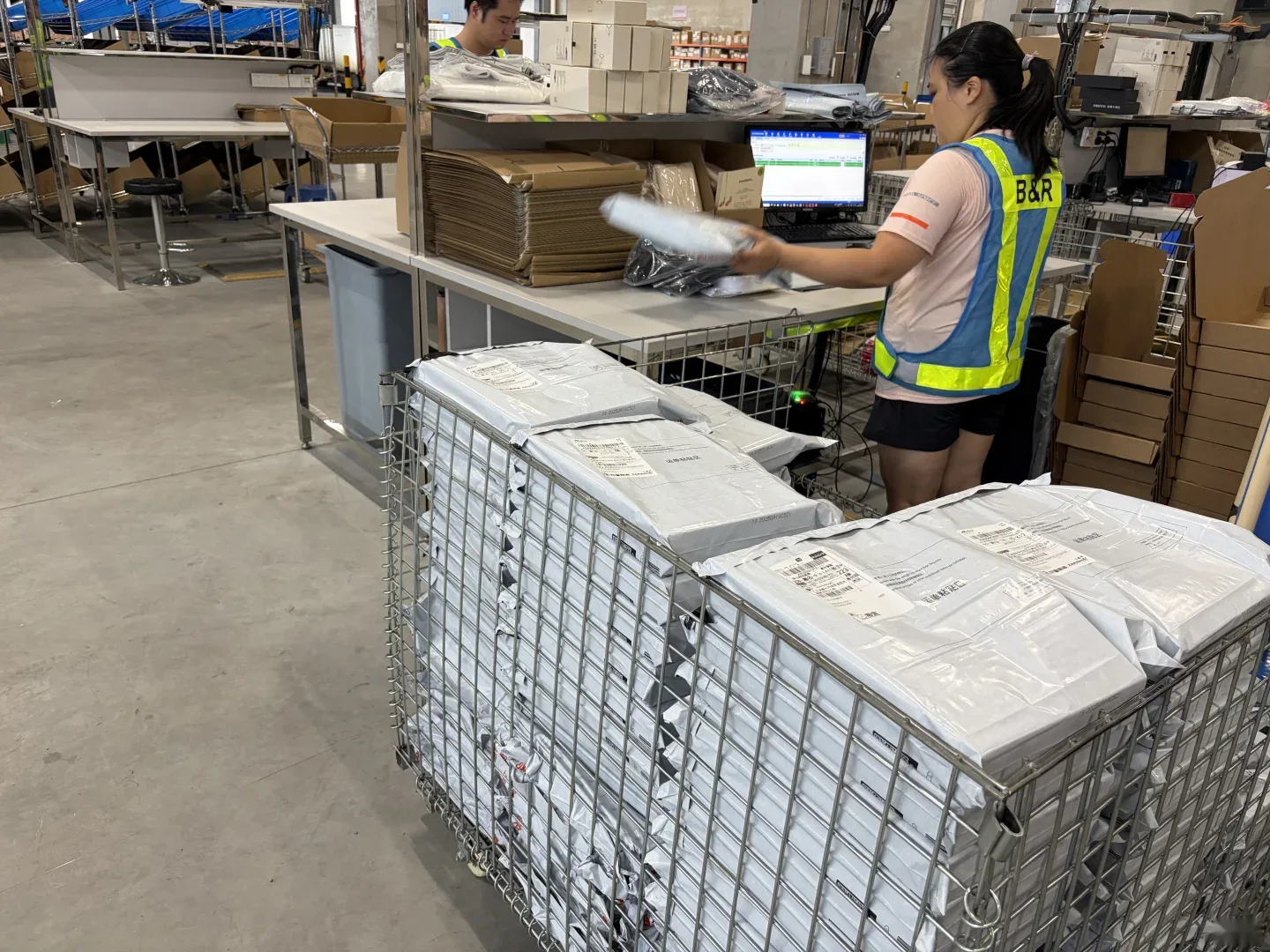
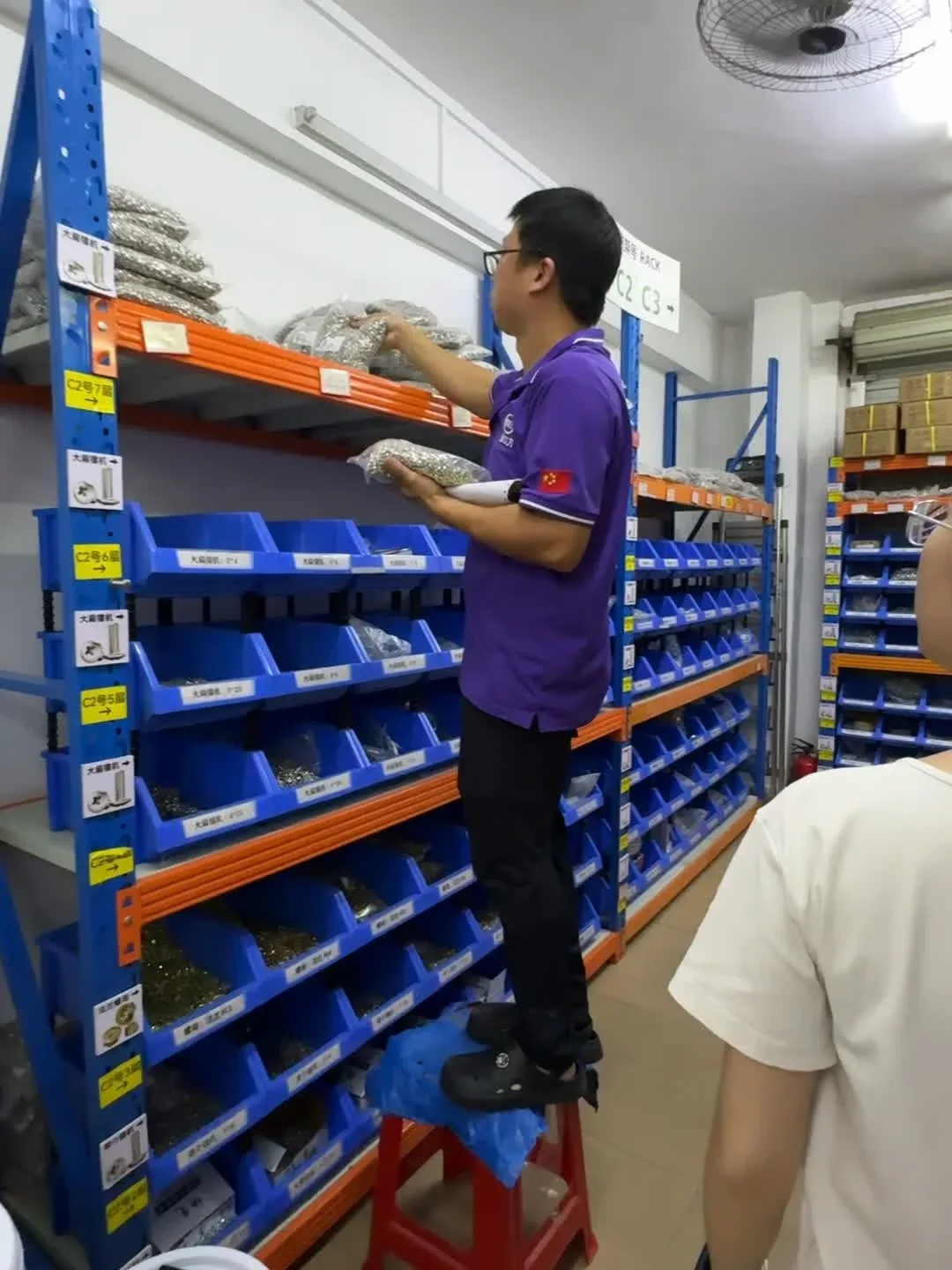
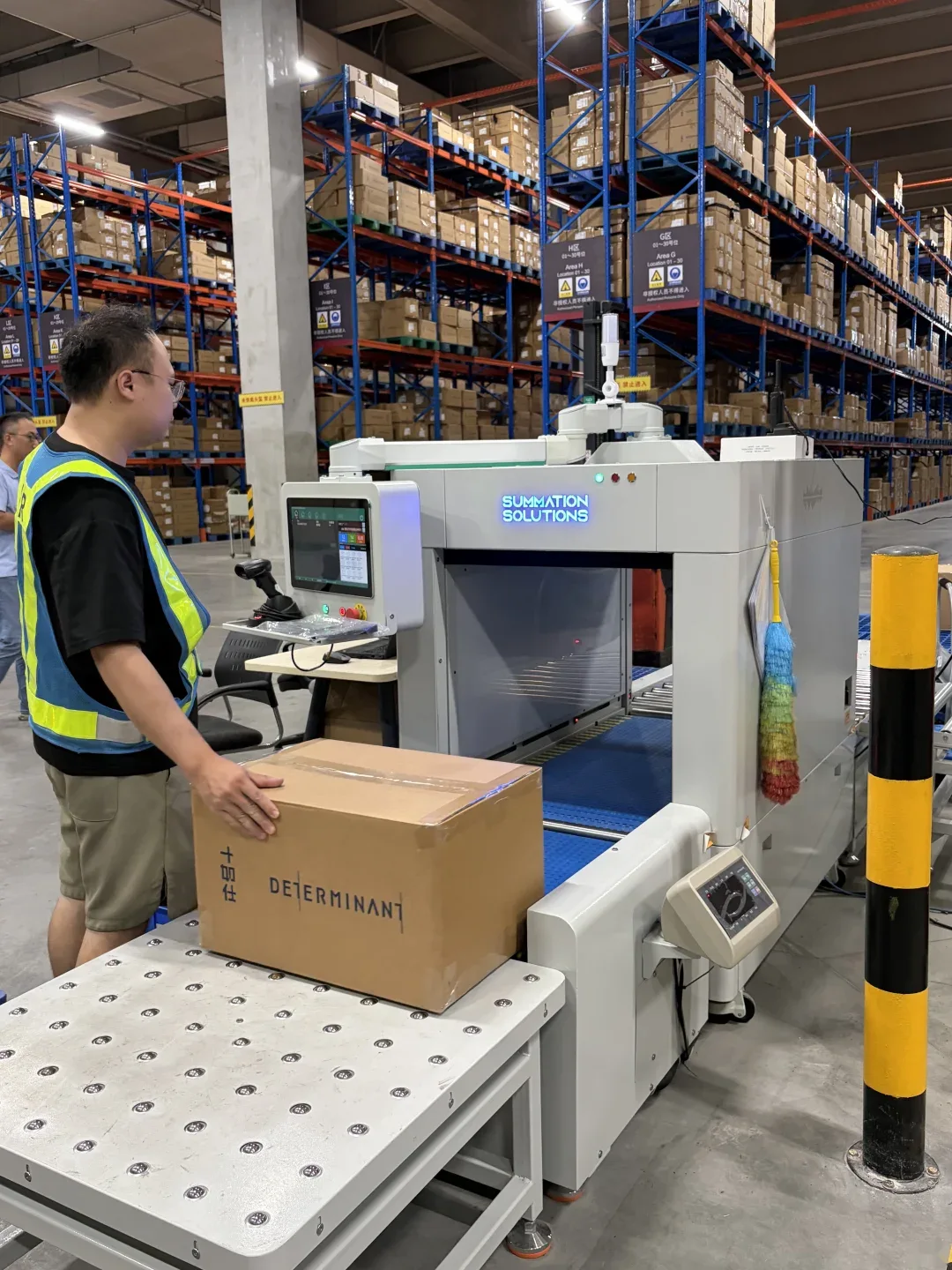
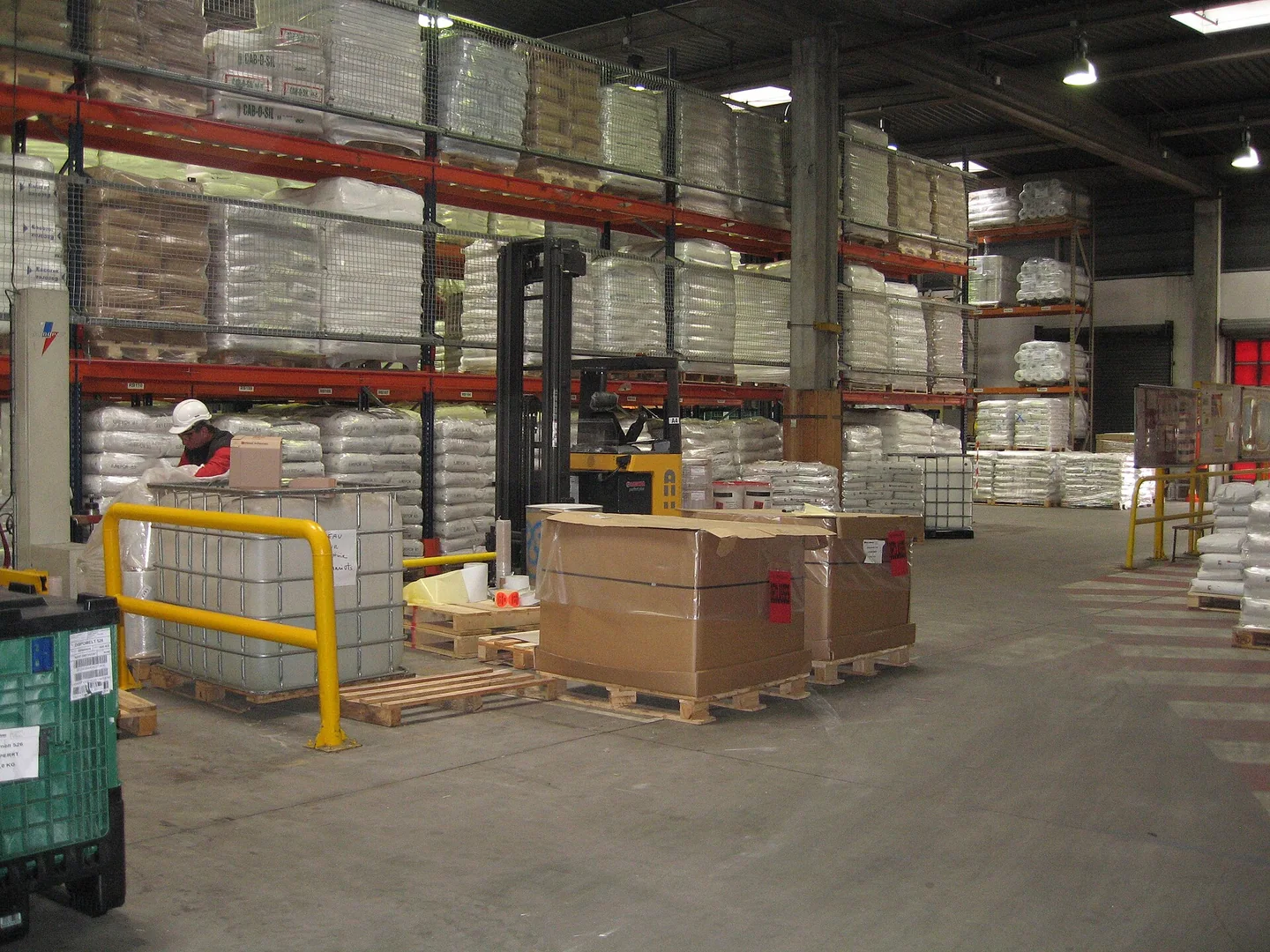
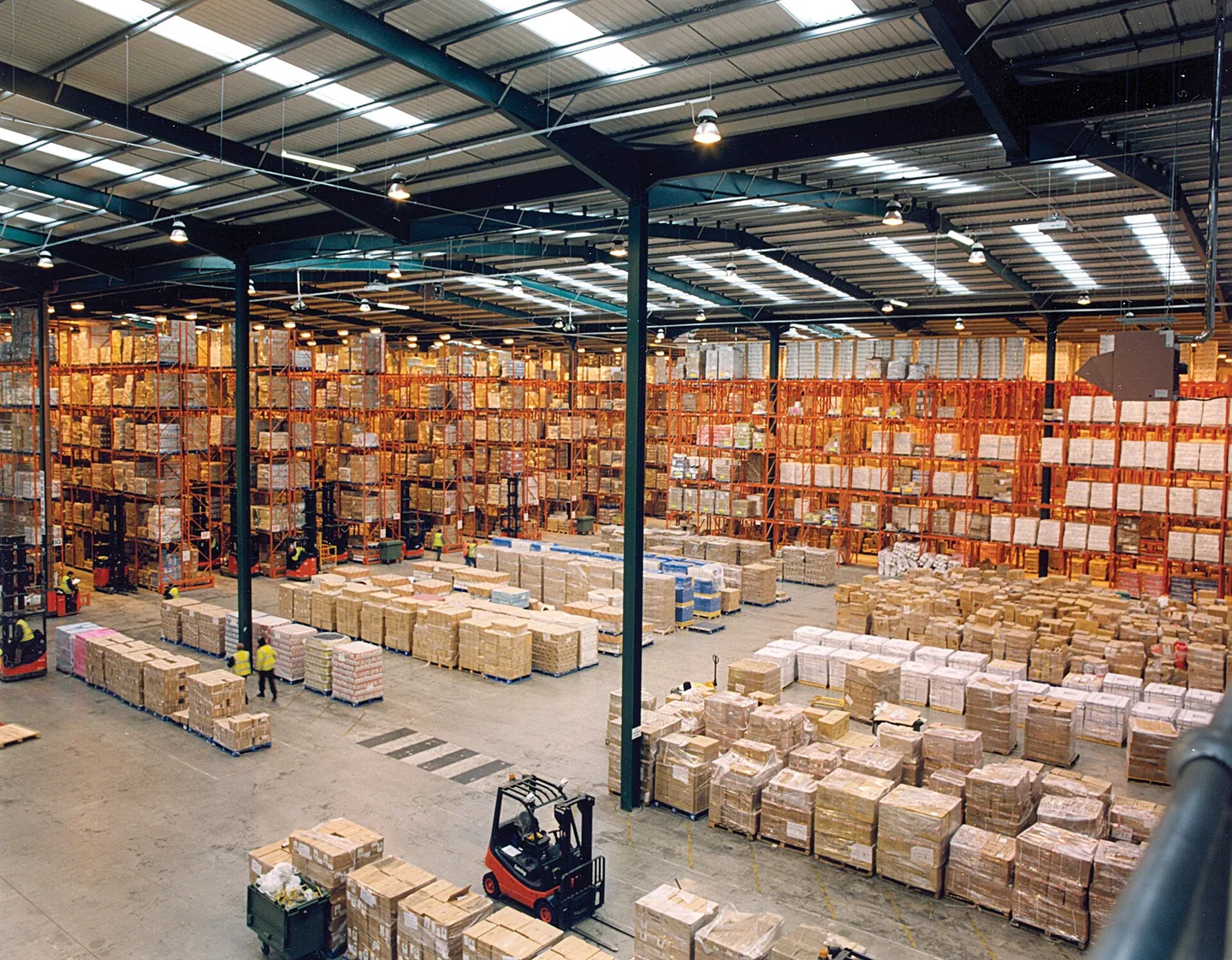
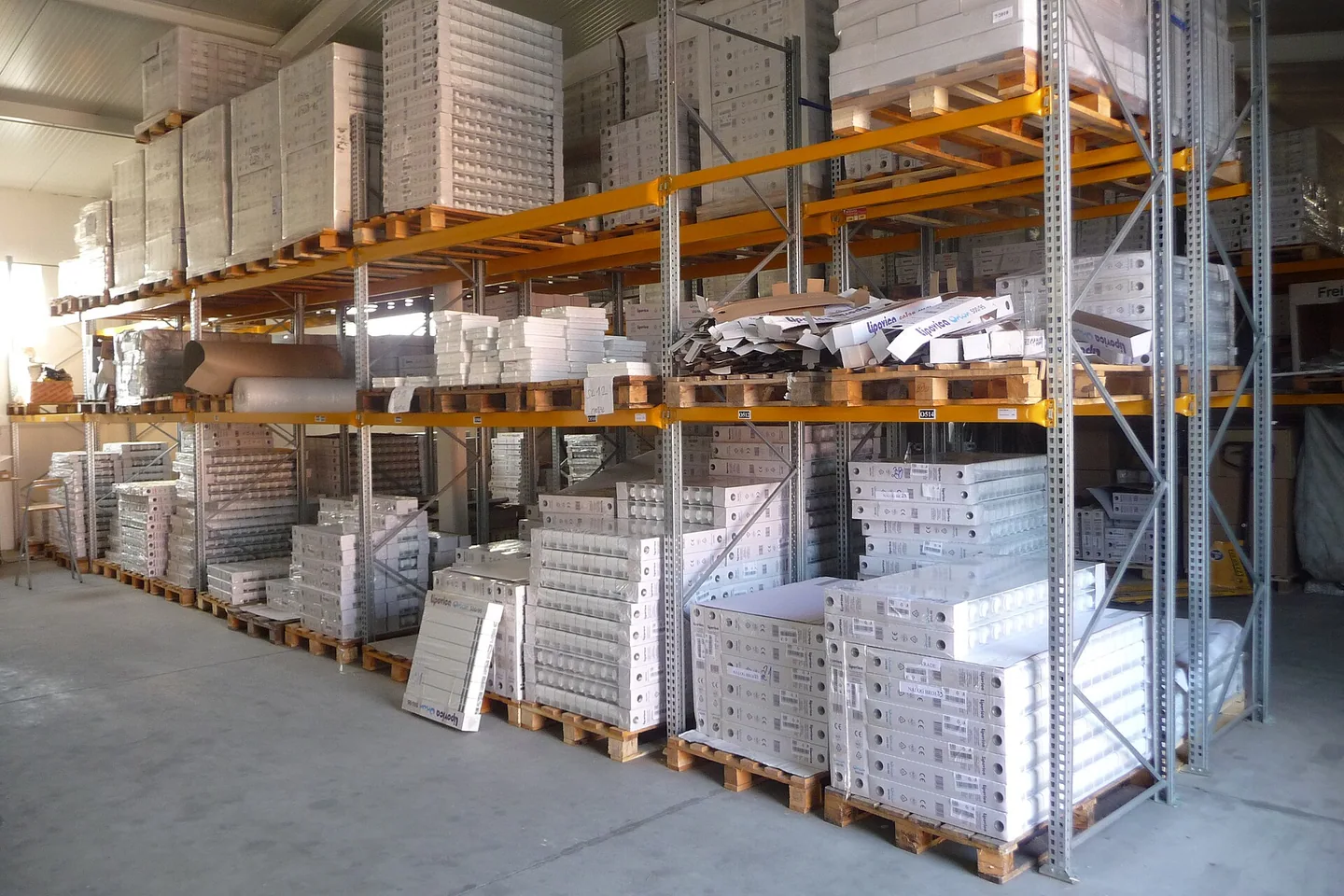
Third-party scene photography accompanies the guidance. It does not document our facilities or an order handled by us.
Explore the visual libraryIn this guide
Give each image a clear purpose
Plan images around the buyer's questions: what is included, how large the product is and which variant is shown. Give each file a clear purpose, such as documenting a check, showing contents or explaining dimensions. Check the intended sales channel's current requirements separately and define the requested photography work in the brief.
Back to guide contentsIdentify the stock behind the brief
Give the brief a SKU, model, variant, specification version and date. Identify the subject as a sample, production unit or replacement, with any difference from the stock offered for sale. If an image combines variants, mark which details belong to yours. Give the content creator the approved specification and flag unresolved product questions.
Back to guide contentsBuild a shot list from practical buyer questions
State each view's purpose and what must remain visible. This original table suggests questions, not a platform's image requirements. Your product may need fewer or different views. Request a dimension, close-up or separate variant picture where the current set leaves a material question unanswered.
Scroll sideways if needed. Keyboard: focus the table area and use the left and right arrow keys.
| Buyer question | Possible view | Detail to confirm |
|---|---|---|
| What exactly am I buying? | The selected product on its own | Correct model, variant and visible included components |
| How big is it? | A clear measurement or scale view | Measurement points, units and whether the figure is internal or external |
| What does the finish look like? | An evenly lit detail view | The actual surface; material claims need their own evidence |
| What comes in the pack? | Contents arranged together | Saleable pack quantity and accessories; props identified separately |
| How does it fit together? | An assembly or use view where appropriate | The intended configuration, with limitations kept clear |
| Which option is pictured? | Separate identifiable variant views | A filename and caption linked to the correct SKU |
Keep QC evidence beside the content work
Our quality checks and photography are free. Agreed warehouse views can record the model, visible condition, components and requested measurements. They do not automatically include a styled shoot, editing or complete sales content. In an invented example, a tray's QC picture records outside width while the listing needs usable inside space. Request that measurement rather than relabelling the picture. Link both records to the SKU.
Match the image to the current product
Keep model, variant, contents and evidence references beside the selected files. An attractive picture still needs an accurate description.
Record permission and preserve a faithful master
Retain the source and permission for supplier or third-party pictures. Confirm the intended channels and editing scope; arrange another image if needed. Keep an unedited master and record changes. Compare crops, retouching and colour adjustments with the product. Hiding a component or changing its apparent finish can leave the picture describing a different offer.
Back to guide contentsCheck captions and copy against evidence
Give each image a filename and caption linked to the SKU and shot purpose. Describe the feature shown in clear terms. Keep photographed facts separate from information supplied in a document or still awaiting confirmation. A care label photograph may record what a label says; it does not independently verify every material claim. Confirm the pack quantity, dimensions and included parts in the product record before they appear in sales copy. Refer unresolved product requirements for the appropriate review.
Back to guide contentsApprove one version and reopen it when stock changes
Review the photo set, descriptions and variants together. Name the approver and publication files, excluding superseded samples. If a repeat order changes a fitting, label, accessory or pack quantity, check whether the photos still represent the offer. Update the affected views or descriptions before using them for changed stock, retaining the evidence behind the revision.
Back to guide contentsSpecify the warehouse evidence you need
Send the SKU, current product brief and the details you need photographed or measured. Our quality checks and photography are free; agree the checking views and keep any sales-production work as a separately defined task.
Questions before you order
Are free QC photos the same as a commercial product shoot?
They serve the agreed checking and evidence task. Do not assume they include styling, studio production, retouching or every image needed for a sales channel. Define those needs separately.
Can I use a supplier's listing pictures without checking?
Confirm the intended-use permission, source and exact variant shown. If either the permission or product identity remains unresolved, arrange appropriate images before publication.
How many product pictures should I request?
Start with the buyer questions and the actual channel requirements. Specify the useful views and missing details; this guide does not prescribe a universal count.
Can an edited image confirm product quality or compliance?
It can communicate a visible feature when used accurately. It does not independently establish material composition, performance or regulatory compliance; those claims need suitable evidence and review.
Related visual references
Look more closely at the storage, handling and transport settings that inform an order plan. Each photograph links to its original source.

Sources & further guidance
The shot list and tray example are original planning suggestions. No supplier image has been republished here, and no photography conversion gain, platform approval or styled-shoot service is promised. Confirm the current requirements for the actual sales channel.
Our published purchasing fee and free China warehouse services apply. Confirm product acceptance, inspection scope, freight charges and delivery arrangements for your order. See our 9% purchasing fee and free services.